Photo + audio · Guided
HVAC
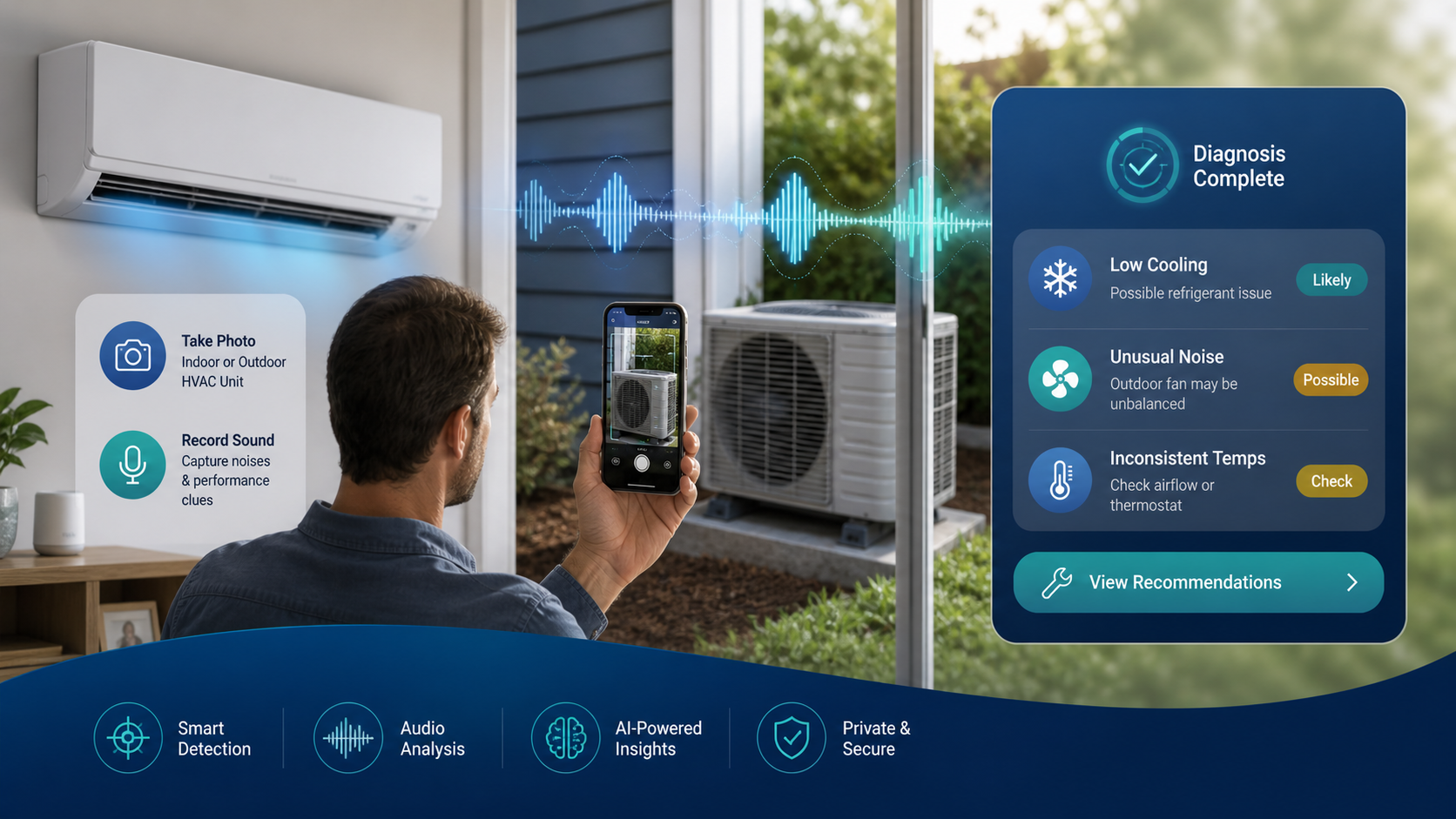
Indoor or outdoor units—photo plus optional audio for heating, cooling, and odd noises.
Checks: Airflow · Temperature · Noise
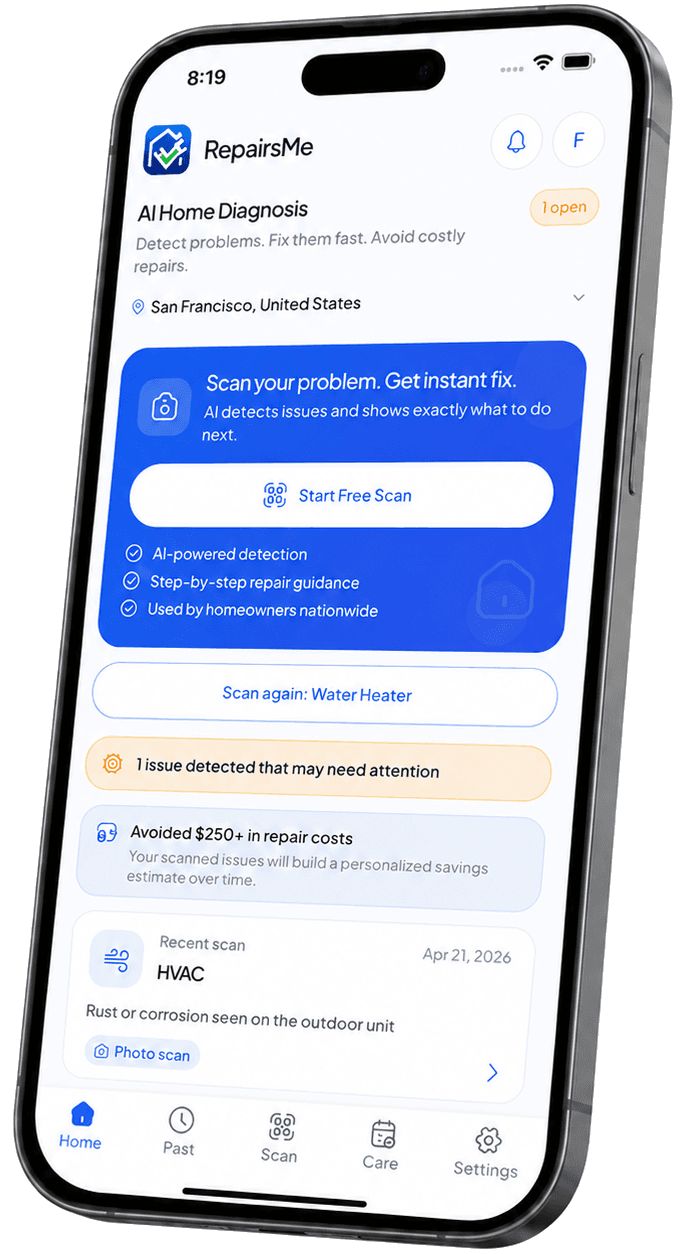
Snap a photo. Add a short sound clip when the app suggests it. Clear next steps for HVAC, plumbing, electrical, and major appliances.
See what it might mean, what to try next, and when to call a professional—saved in one simple timeline.
Example in the app
Sample flowHVAC check
Photo + audio if needed
Summary
Findings · next steps
Share or save
For your contractor
Scans
Pick a system, add a photo, and follow the prompts. When audio helps—like hums or clicks—add a few seconds of sound.
Photo + audio · Guided
Indoor or outdoor units—photo plus optional audio for heating, cooling, and odd noises.
Checks: Airflow · Temperature · Noise
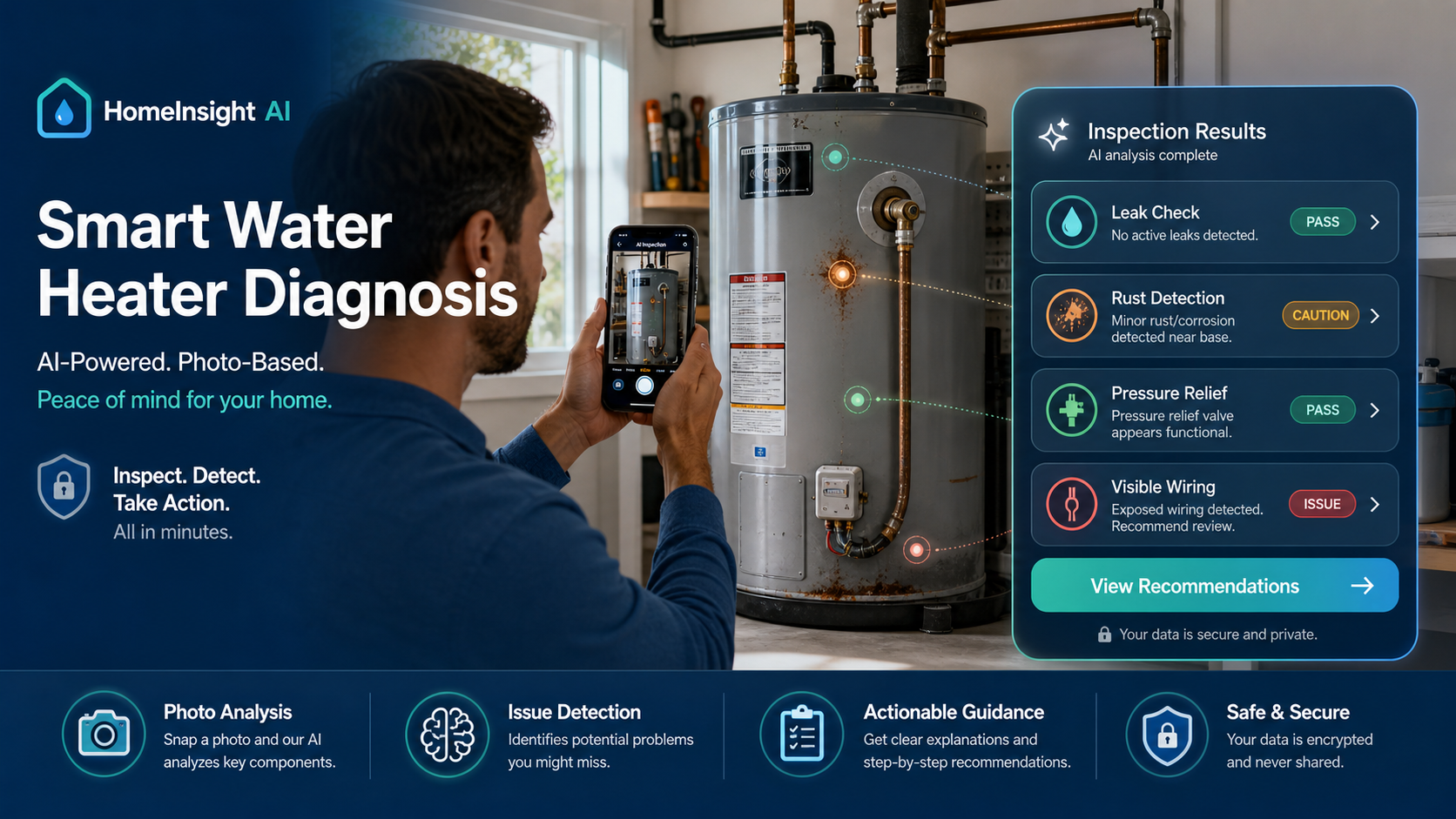
Photo · Guided
Tank, connections, and valve area for leaks, rust, or anything that looks off.
Checks: Leaks · Rust · Relief valve
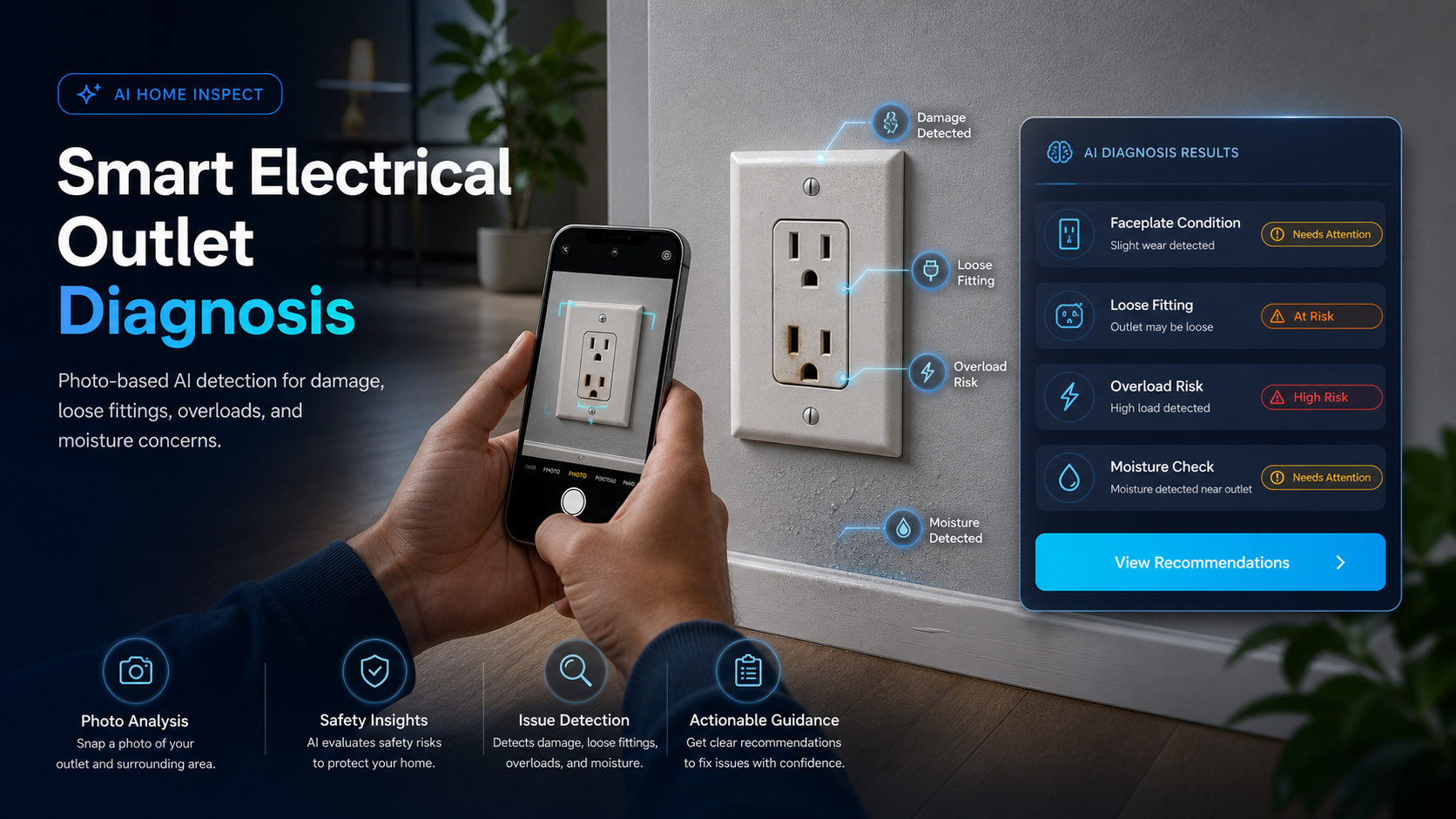
Photo · Guided
Faceplate and surrounding wall for damage, looseness, heat signs, or moisture.
Checks: Burn marks · Loose faceplate · Moisture signs
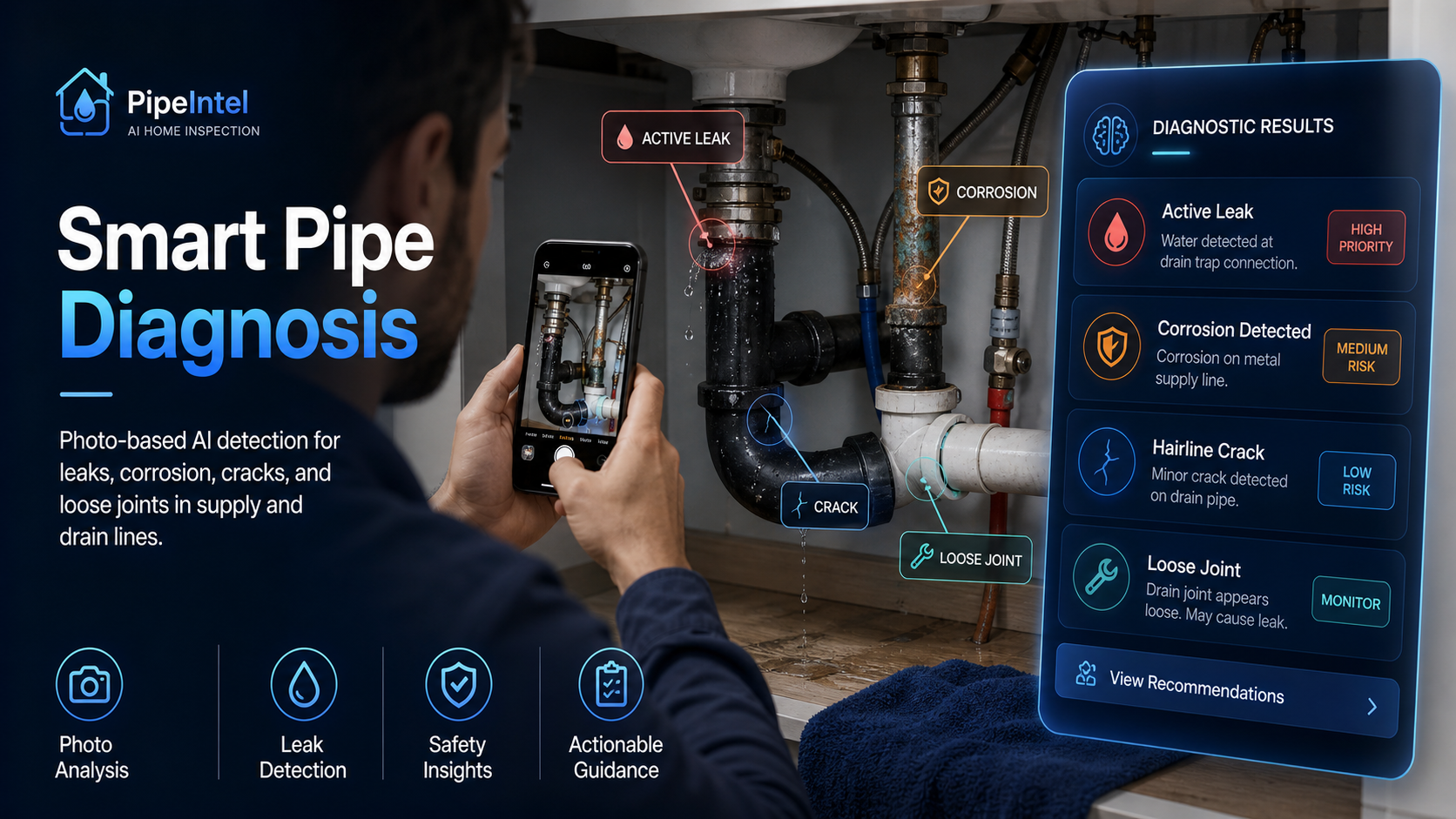
Photo · Guided
Supply and drain lines for drips, corrosion, cracks, or loose fittings.
Checks: Corrosion · Joint leaks · Cracks
Ready for your first scan?
Pick the system that fits today and open the app for guided next steps.
Features
Beyond a single scan: understand the issue, keep history, track home care, reach pros, and manage your account without clutter.
How it works
Skip the mystery photo in your camera roll. RepairsMe turns one moment into a short guided check you can repeat whenever something looks or sounds off.
Match today's issue to a system: water heater, outlet, HVAC, fridge, washer, dryer, or pipes.
Take a clear photo. When the app asks, record a few seconds of sound to capture hums, clicks, or rattles.
See what stood out, how urgent it may be, and what to watch for next, in plain language.
Try safe DIY when it fits, save or share a report, contact a pro, or keep the scan in history for later.
Professionals
For HVAC, plumbing, electrical, and appliance pros: organized requests, clear customer chat, and job tools in one app.
A dedicated pro workspace—separate from homeowners—so leads, jobs, profiles, and messages stay organized.
Job requests from RepairsMe users, with issue details and scan context when it is shared.
Chat in the app so photos, updates, and next steps stay with the job—not buried in texts.
Try pro tools on a trial or plan where offered—so you can evaluate before a long commitment.
Track work in progress, completed jobs, and feedback to grow your presence on the platform.
Notes, photos, and repair details in one place—for follow-up, warranty, landlords, or later reference.
FAQ
Short answers for homeowners, renters, and service pros.
RepairsMe analyzes visible indicators only and cannot detect hidden, internal, or structural conditions. Accuracy may vary depending on: Image or audio quality Environmental conditions Device capabilities Type of issue Users should independently verify all results before taking action.
For questions regarding these FAQs or app usage, please contact:
Email - st@repairsme.com
No. RepairsMe requires an active internet connection to process scans and generate results using cloud-based AI systems.
No. RepairsMe does not provide licensed, certified, or professional engineering, electrical, plumbing, HVAC, or safety advice. All outputs are generated by automated systems and are provided for informational purposes only.
Download
Guided scans, simple explanations, and clear next steps on your phone, at home.
iOS QR
Points to the App Store.
Android QR
Points to Google Play.
Contact
Use the details below to reach our team. Site admins can update this block in Business settings.
Pick the channel you prefer. Email is usually the fastest reply.
873 US Route 1 #1009 North Brunswick, New Jersey 08902 United state
For gas, fire, major flooding, or injury, call local emergency services first. RepairsMe shares information only; it is not an emergency dispatch service.